How to change background color using CSS

problem

You wish to change the background color of the whole page or any other sub segment of the website. In this post we are going to see how to accomplish this by using CSS – Cascading Style Sheet.

SOLUTION

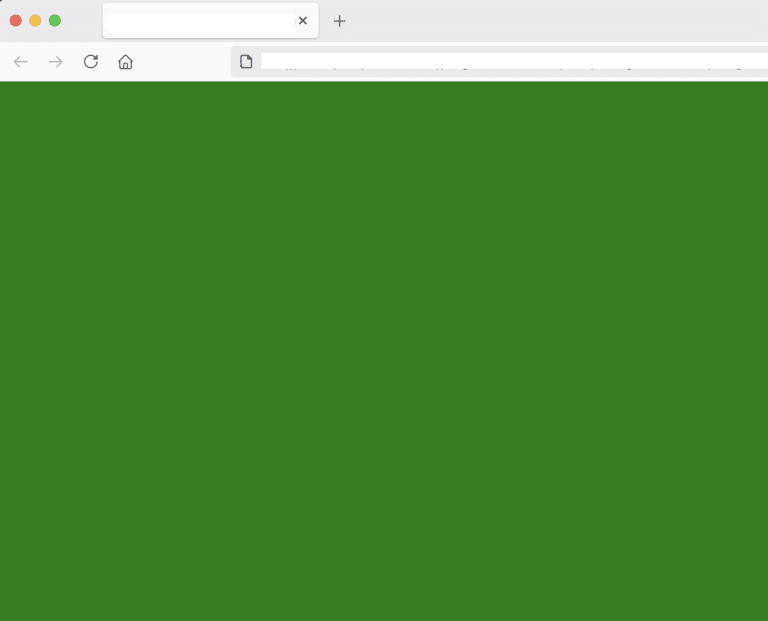
Using a CSS property. In particular, the property background-color. If we wish to change the whole webpage’s color from white (default) to e.g. green, we could do so as follows:

background_color.html
				
					<html>
    <head>
        <style>
            html{
                background-color: green;
            }
        </style>
    <style id="wpr-lazyload-bg-container"></style><style id="wpr-lazyload-bg-exclusion"></style>
<noscript>
<style id="wpr-lazyload-bg-nostyle">.rll-youtube-player .play{--wpr-bg-f8a63d3e-1575-434f-89da-541660e4bdec: url('https://programmerabroad.com/wp-content/plugins/wp-rocket/assets/img/youtube.png');}</style>
</noscript>
<script type="application/javascript">const rocket_pairs = [{"selector":".rll-youtube-player .play","style":".rll-youtube-player .play{--wpr-bg-f8a63d3e-1575-434f-89da-541660e4bdec: url('https:\/\/programmerabroad.com\/wp-content\/plugins\/wp-rocket\/assets\/img\/youtube.png');}","hash":"f8a63d3e-1575-434f-89da-541660e4bdec","url":"https:\/\/programmerabroad.com\/wp-content\/plugins\/wp-rocket\/assets\/img\/youtube.png"}]; const rocket_excluded_pairs = [];</script></head>
</html>


output
background color - CSS example

We can see above that the background color has changed to green. 

Using rgb code

rgb takes 3 parameters:

  1. Red – 0 to 255

  2. Green – 0 to 255

  3. Blue – 0 to 255

For example:

background_color.html
				
					html{
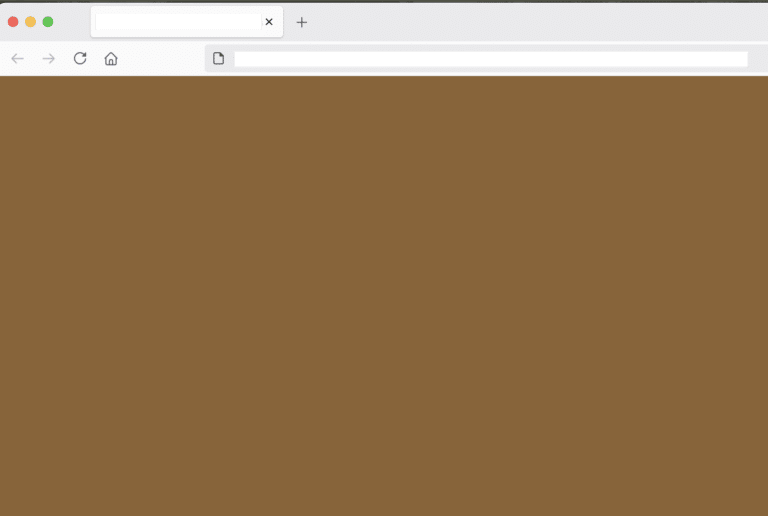
        background-color: rgb(140,100,50);
    }


output
background color - rgb example HTML CSS
Using rgba code

rgba takes 4 parameters:

  1. Red – 0 to 255

  2. Green – 0 to 255

  3. Blue – 0 to 255

  4. Alpha – 0.0 to 1.0, where 1.0 means completely opaque and 0.0 means completely transparent

For example:

background_color.html
				
					html{
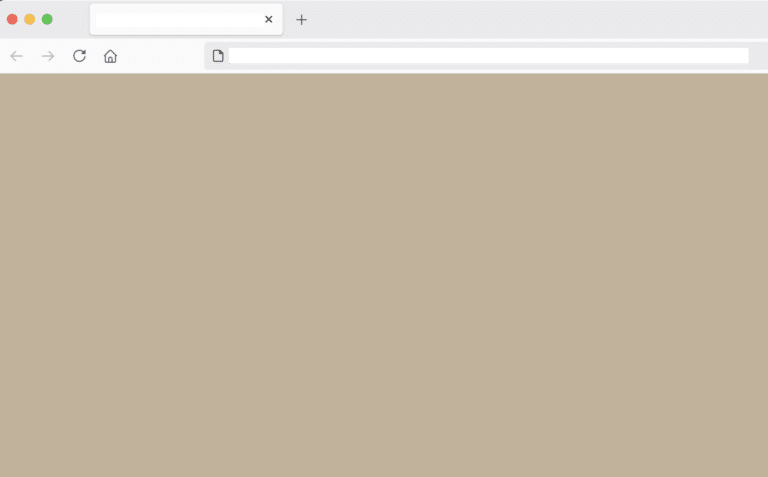
    background-color: rgba(140,100,50,0.5);
}
				
			
output
RGBA example in CSS

As you can see in the screenshot above, it’s the same color as the previous example with the RGB but this one being 50% (0.5) transparent. In other words, it looks more light colored.

Example 2 - Changing label’s background color
background_color.html
				
					<html>
    <head>
        <style>
            html{
                background-color: rgba(140,100,50,.5);
            }

            label{
                background-color: lightgreen;
            }
        </style>
    <style id="wpr-lazyload-bg-container"></style><style id="wpr-lazyload-bg-exclusion"></style>
<noscript>
<style id="wpr-lazyload-bg-nostyle">.rll-youtube-player .play{--wpr-bg-f8a63d3e-1575-434f-89da-541660e4bdec: url('https://programmerabroad.com/wp-content/plugins/wp-rocket/assets/img/youtube.png');}</style>
</noscript>
<script type="application/javascript">const rocket_pairs = [{"selector":".rll-youtube-player .play","style":".rll-youtube-player .play{--wpr-bg-f8a63d3e-1575-434f-89da-541660e4bdec: url('https:\/\/programmerabroad.com\/wp-content\/plugins\/wp-rocket\/assets\/img\/youtube.png');}","hash":"f8a63d3e-1575-434f-89da-541660e4bdec","url":"https:\/\/programmerabroad.com\/wp-content\/plugins\/wp-rocket\/assets\/img\/youtube.png"}]; const rocket_excluded_pairs = [];</script></head>

    <body>
        <label>This is a test label</label>
    </body>
</html>


output
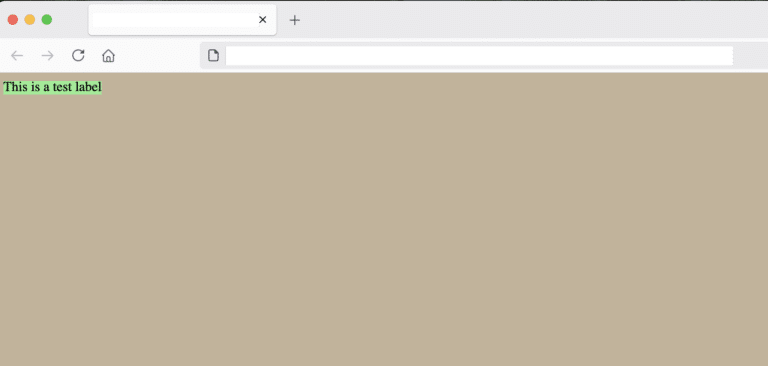
background-color example on a label CSS: HTML

We can see that the label’s background color has changed to lightgreen as specified in the CSS property above.

conclusion

In this post we saw how to change the background color of the whole webpage by using CSS and the property background-color

References:

https://www.browserstack.com/guide/how-to-use-css-rgba 

https://developer.mozilla.org/en-US/docs/Web/CSS/color_value/rgb 

Share it!

Facebook
Twitter
LinkedIn
Reddit
Picture of Ellion

Ellion

Professional IT consultant, writer, programmer enthusiast interested in all sorts of coding.
Eats all cookies 🍪