How to create a form in HTML

problem

You wish to collect user information from a web page, e.g. registering a user, login in. This can be done with an Html form and a user filling that form.

SOLUTION

Using the <form> tag. This tag has an opening and a closing tag and it acts like a container. For example, we put inside all the input fields, labels, etc we wish to have on our form. This way, the browser will know what to send to the backend.

Let’s see an example of user login.

Typically, we ask the user for:

  • Email
  • Password
  • Remember me
form.html
				
					<form action="/" method="POST">
    <label for="txtemail">Email:</label>
    <input type="email" name="txtemail"/>
    <br/>
    <label for="txtpassword">Password:</label>
    <input type="password" name="txtpassword"/>
    <br/>
    <label for="chkremember">Remember me</label>
    <input type="checkbox" name="chkremember"/>
    <input type=”submit”>submit</input>
</form>


output
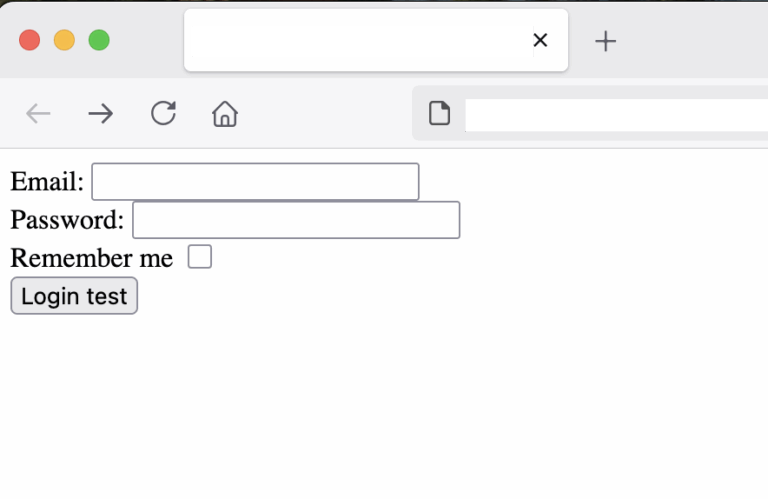
Html form for login example

In order to submit a form, we have to place a submit button inside the form. This is an input type=”submit” and appears as a button as shown with the message “Login test” above.

When the form is submitted, the web browser sends the data of the form to the URL specified by the path attribute on the form. 

The method attribute identifies which HTTP method to use, e.g. POST.

Post the data to a backend - the postman test API
form.html
				
					<form action="https://postman-echo.com/post" method="POST">


This is provided by Postman.

running it
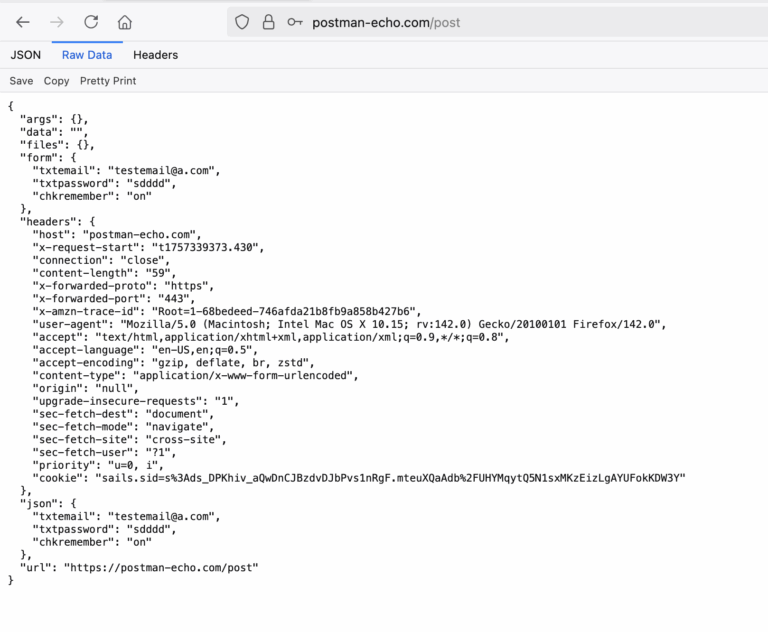
form post example on postman echo api
output
json response from html post

We can see the JSON response from the test API. Basically, it echoes back the form data that we sent over along with extra information like headers, etc.

				
					"form": {
    "txtemail": "testemail@a.com",
    "txtpassword": "sdddd",
    "chkremember": "on"
  }


Making the form more user friendly with autofocus

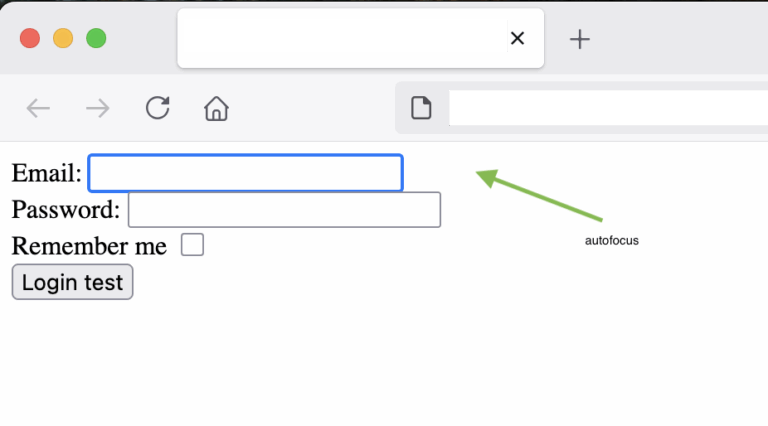
We can specify the focus on the first textbox when the web page loads, guiding the user where to type first without having to click inside the textbox to gain focus. 

Just by adding the autofocus attribute.

For example:

form.html
				
					            <input type="email" name="txtemail" autofocus />


output
form and autofocus on input types html example
Adding tabindex on our input controls

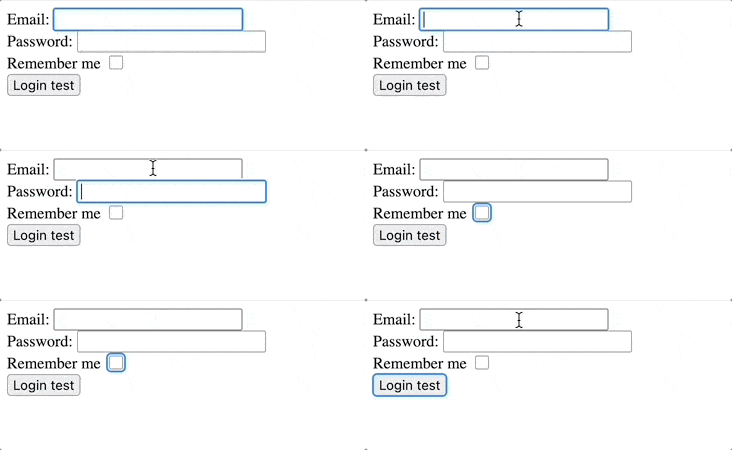
We can use the attribute tabindex to specify the order each HTML (input) control has when the user is pressing the tab. Simply by using incremental numbers for tabindex as shown below.

Full code:

form.html
				
					<html DOCTYPE!>
    <body>
        <form action="https://postman-echo.com/post" method="POST">
            <label for="txtemail">Email:</label>
            <input type="email" name="txtemail" tabindex="1" autofocus />
            <br/>
            <label for="txtpassword">Password:</label>
            <input type="password" name="txtpassword" tabindex="2" />
            <br/>
            <label for="chkremember">Remember me</label>
            <input type="checkbox" name="chkremember" tabindex="3" />
            <br/>
            <input type="submit" value="Login test" tabindex="4" />
        </form>
    </body>
</html>


output
using tabindex in the form

conclusion

Share it!

Facebook
Twitter
LinkedIn
Reddit
Picture of Ellion

Ellion

Professional IT consultant, writer, programmer enthusiast interested in all sorts of coding.
Eats all cookies 🍪