How to style text using CSS

problem

You wish to style text on your webpage and make it look as follows:

  • Bold
  • Italic
  • Underlined
  • strikethrough

SOLUTION

Using CSS rules; declarations with basic selectors. For example, we have a paragraph tag <p> (selector) with text and we want to style it (declaration). The paragraph is as follows:

style_text.html
				
					<p>
	This is a sample paragraph text. It will be styled according to CSS declarations
</p>


output
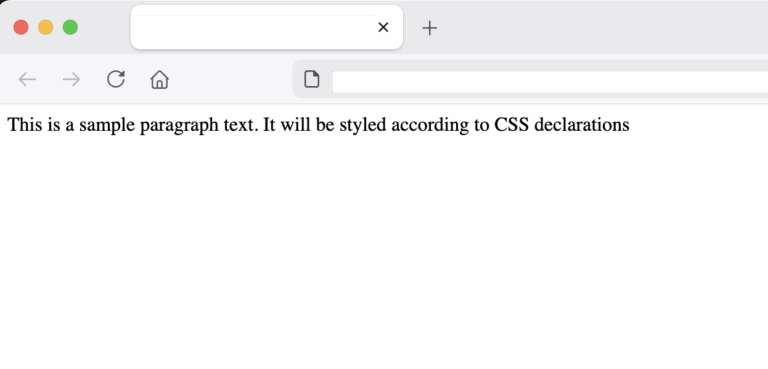
sample text in paragraph before styling
Making text bold with CSS

Now, let’s add some CSS declarations inside the <head> tag using the <style> tag. The CSS code will select the paragraph tag(s) and set its text to bold with the font-weight declaration.

For example:

style_text.html
				
					<head>
    <style>
        p{
              font-weight: bold;
        };
    </style>
</head>


output
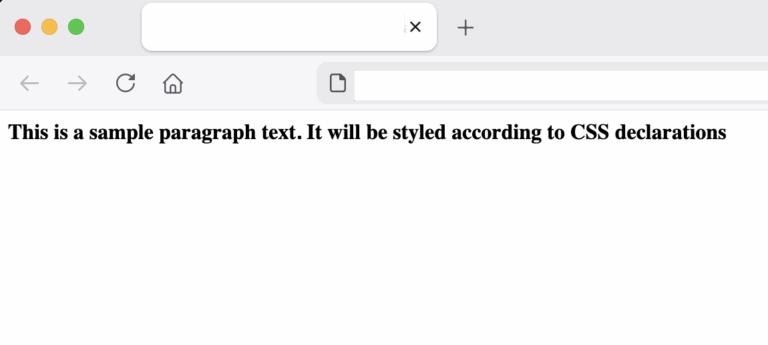
bold text with CSS example
Complete code:
style_text.html
				
					<html DOCTYPE!>
    <head>
        <style>
            p{
                  font-weight: bold;
            };
        </style>
    </head>

    <body>
        <p>
                This is a sample paragraph text. It will be styled according to CSS declarations
        </p>
    </body>
</html>


Making text italic

All we have to do is to use the CSS property font-style as follows:

style_text.html
				
					<style>
    p{
          font-style: italic;
    };
</style>


output
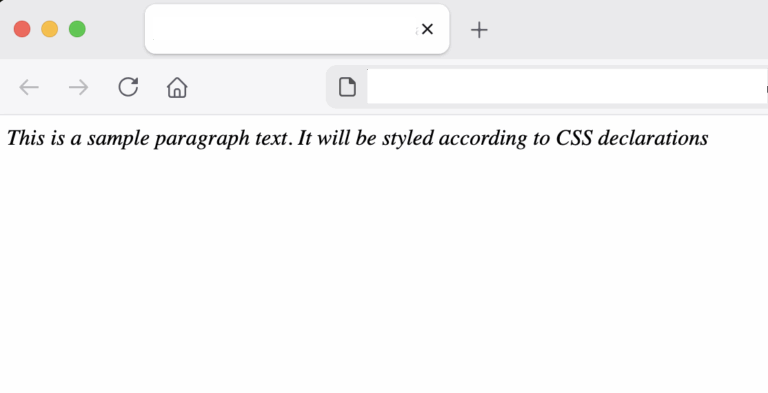
italic text with CSS example
Making text underlined

For underlining text, we use the CSS property text-decoration as follows:

style_text.html
				
					<style>
    p{
          text-decoration: underline;
    };
</style>


output
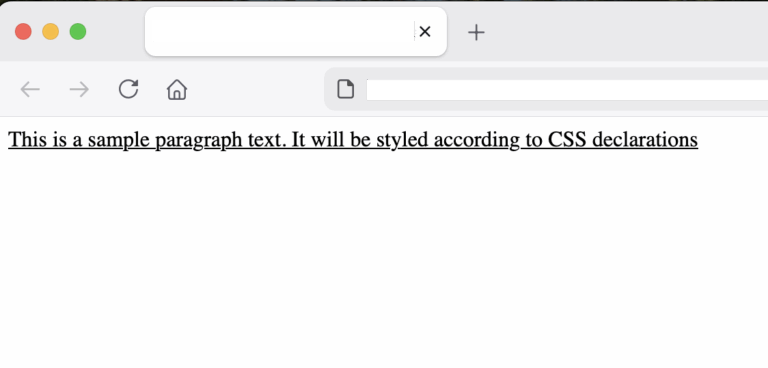
underlined text with CSS example
Making text underlined

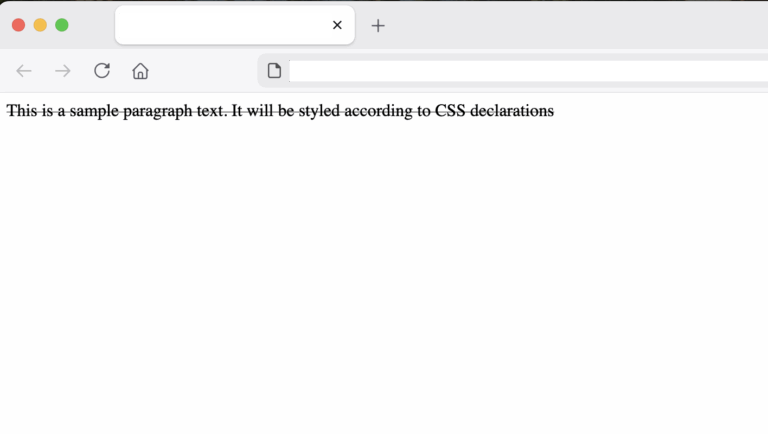
For making text strikethrough, we use the same CSS property as above:

style_text.html
				
					<style>
    p{
          text-decoration: line-through;
    };
</style>


output
strikethrough text with CSS example

conclusion

In this post we saw how to use CSS properties like the text-decoration, font-style and font-weight to format text in a paragraph to bold, italic, strikethrough or italic.

References:

https://developer.mozilla.org/en-US/docs/Web/CSS/Reference/Properties/text-decoration

https://developer.mozilla.org/en-US/docs/Web/CSS/Reference/Properties/font-style

https://developer.mozilla.org/en-US/docs/Web/CSS/Reference/Properties/font-weight

Share it!

Facebook
Twitter
LinkedIn
Reddit
Picture of Ellion

Ellion

Professional IT consultant, writer, programmer enthusiast interested in all sorts of coding.
Eats all cookies 🍪

Privacy Overview

This website uses cookies so that we can provide you with the best user experience possible. Cookie information is stored in your browser and performs functions such as recognising you when you return to our website and helping our team to understand which sections of the website you find most interesting and useful.

Strictly Necessary Cookies (Ads)

Strictly Necessary Cookie should be enabled at all times so that we can save your preferences for cookie settings. We use Google Ads on this site.

Google Analytics Cookies

This website uses Google Analytics to collect anonymous information such as the number of visitors to the site, and the most popular pages.

Keeping this cookie enabled helps us to improve our website.

HotJar Cookies

We use Hotjar in order to better understand our users’ needs and to optimize this service and experience. Hotjar is a technology service that helps us better understand our users’ experience (e.g. how much time they spend on which pages, which links they choose to click, what users do and don’t like, etc.) and this enables us to build and maintain our service with user feedback. Hotjar uses cookies and other technologies to collect data on our users’ behavior and their devices. This includes a device's IP address (processed during your session and stored in a de-identified form), device screen size, device type (unique device identifiers), browser information, geographic location (country only), and the preferred language used to display our website. Hotjar stores this information on our behalf in a pseudonymized user profile. Hotjar is contractually forbidden to sell any of the data collected on our behalf.

For further details, please see the ‘about Hotjar’ section of Hotjar’s support site.