How to style text using CSS

problem

You wish to style text on your webpage and make it look as follows:
  • Bold
  • Italic
  • Underlined
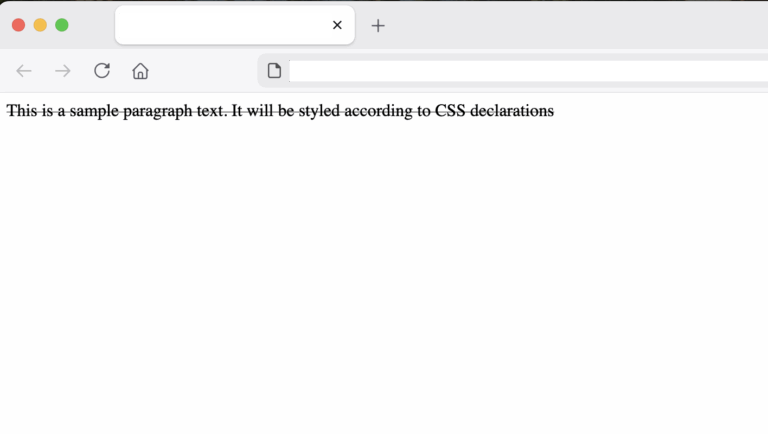
  • strikethrough

SOLUTION

Using CSS rules; declarations with basic selectors. For example, we have a paragraph tag <p> (selector) with text and we want to style it (declaration). The paragraph is as follows:

style_text.html
				
					<p>
	This is a sample paragraph text. It will be styled according to CSS declarations
</p>


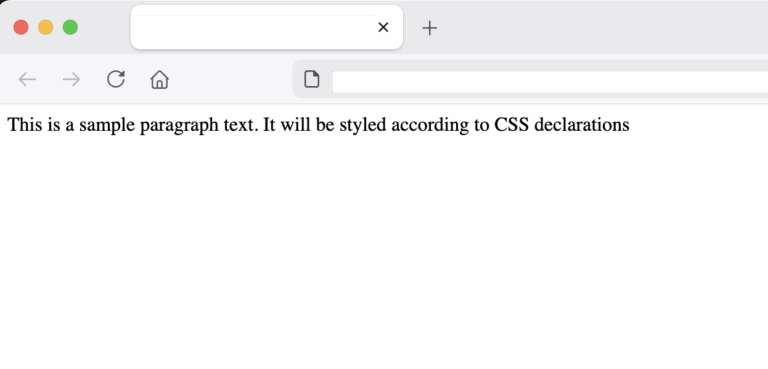
output
sample text in paragraph before styling
Making text bold with CSS

Now, let’s add some CSS declarations inside the <head> tag using the <style> tag. The CSS code will select the paragraph tag(s) and set its text to bold with the font-weight declaration.

For example:

style_text.html
				
					<head>
    <style>
        p{
              font-weight: bold;
        };
    </style>
<style id="wpr-lazyload-bg-container"></style><style id="wpr-lazyload-bg-exclusion"></style>
<noscript>
<style id="wpr-lazyload-bg-nostyle">.rll-youtube-player .play{--wpr-bg-d8d41246-4c31-4ddf-b0a2-0ff8cd38cc41: url('https://programmerabroad.com/wp-content/plugins/wp-rocket/assets/img/youtube.png');}</style>
</noscript>
<script type="application/javascript">const rocket_pairs = [{"selector":".rll-youtube-player .play","style":".rll-youtube-player .play{--wpr-bg-d8d41246-4c31-4ddf-b0a2-0ff8cd38cc41: url('https:\/\/programmerabroad.com\/wp-content\/plugins\/wp-rocket\/assets\/img\/youtube.png');}","hash":"d8d41246-4c31-4ddf-b0a2-0ff8cd38cc41","url":"https:\/\/programmerabroad.com\/wp-content\/plugins\/wp-rocket\/assets\/img\/youtube.png"}]; const rocket_excluded_pairs = [];</script></head>


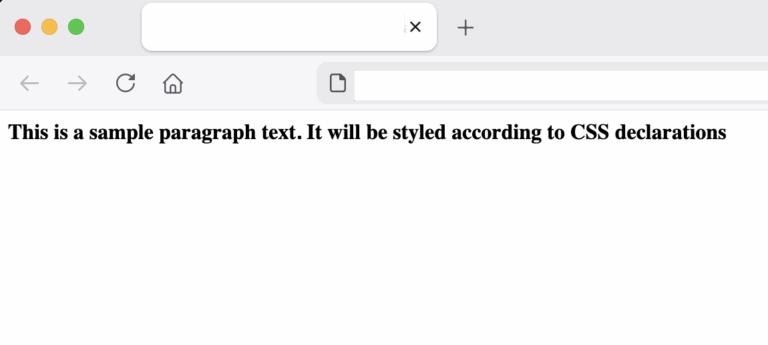
output
bold text with CSS example
Complete code:
style_text.html
				
					<html DOCTYPE!>
    <head>
        <style>
            p{
                  font-weight: bold;
            };
        </style>
    <style id="wpr-lazyload-bg-container"></style><style id="wpr-lazyload-bg-exclusion"></style>
<noscript>
<style id="wpr-lazyload-bg-nostyle">.rll-youtube-player .play{--wpr-bg-d8d41246-4c31-4ddf-b0a2-0ff8cd38cc41: url('https://programmerabroad.com/wp-content/plugins/wp-rocket/assets/img/youtube.png');}</style>
</noscript>
<script type="application/javascript">const rocket_pairs = [{"selector":".rll-youtube-player .play","style":".rll-youtube-player .play{--wpr-bg-d8d41246-4c31-4ddf-b0a2-0ff8cd38cc41: url('https:\/\/programmerabroad.com\/wp-content\/plugins\/wp-rocket\/assets\/img\/youtube.png');}","hash":"d8d41246-4c31-4ddf-b0a2-0ff8cd38cc41","url":"https:\/\/programmerabroad.com\/wp-content\/plugins\/wp-rocket\/assets\/img\/youtube.png"}]; const rocket_excluded_pairs = [];</script></head>

    <body>
        <p>
                This is a sample paragraph text. It will be styled according to CSS declarations
        </p>
    </body>
</html>


Making text italic

All we have to do is to use the CSS property font-style as follows:

style_text.html
				
					<style>
    p{
          font-style: italic;
    };
</style>


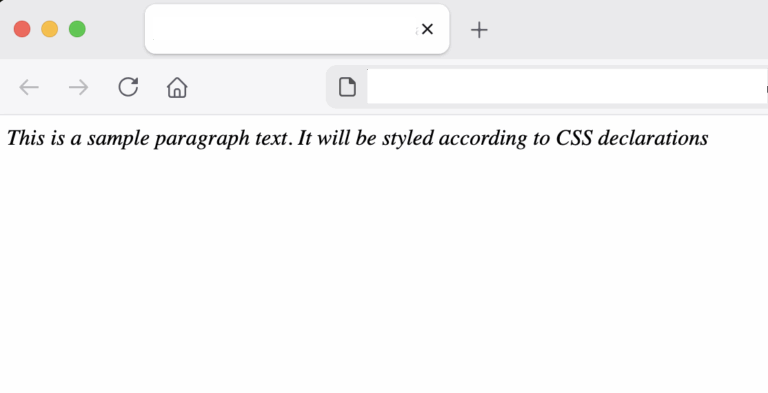
output
italic text with CSS example
Making text underlined

For underlining text, we use the CSS property text-decoration as follows:

style_text.html
				
					<style>
    p{
          text-decoration: underline;
    };
</style>


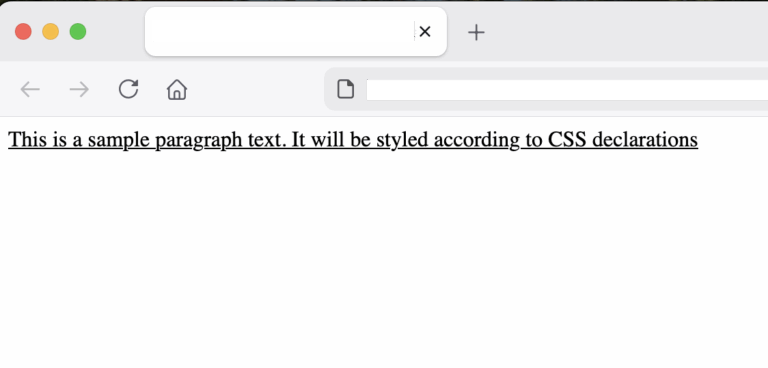
output
underlined text with CSS example
Making text underlined

For making text strikethrough, we use the same CSS property as above:

style_text.html
				
					<style>
    p{
          text-decoration: line-through;
    };
</style>


output
strikethrough text with CSS example

conclusion

In this post we saw how to use CSS properties like the text-decoration, font-style and font-weight to format text in a paragraph to bold, italic, strikethrough or italic.

References:

https://developer.mozilla.org/en-US/docs/Web/CSS/Reference/Properties/text-decoration

https://developer.mozilla.org/en-US/docs/Web/CSS/Reference/Properties/font-style

https://developer.mozilla.org/en-US/docs/Web/CSS/Reference/Properties/font-weight

Share it!

Facebook
Twitter
LinkedIn
Reddit
Picture of Ellion

Ellion

Professional IT consultant, writer, programmer enthusiast interested in all sorts of coding.
Eats all cookies 🍪