Using the JShell in Java

problem

You wish to try out some Java coding without spinning up a whole IDE. Java 9 introduced the jshell, a command-line tool that helps developers write and execute code quickly and easily. E.g. there’s a small bit of logic you wish to try out and see the result.

SOLUTION

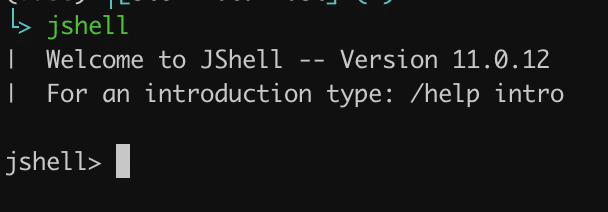
Using the jshell tool. In the terminal, type the following:

				
					jshell
				
			
output
starging jshell in the terminal

We can see the REPL shown above, waiting for some input.

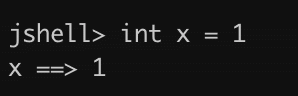
Create a variable
				
					int x = 1
				
			
output
declare a variable in jshell example

No need for a semicolon in this case.

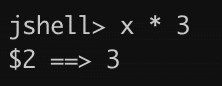
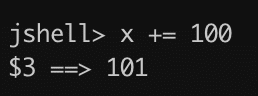
Basic arithmetic operations
multiply a number in jshell example
incremement and assign an integer in jshell example

It always shows us the result as well.

Let’s create an array
				
					int[] numbers = {10, 20, 30, 40, 50, 60, 70, 80, 90, 100};
				
			
output
initialise an array of ints in jshell example
List the declared variables:
				
					/vars


output
list of all variables declared in jshell example
Run a for loop

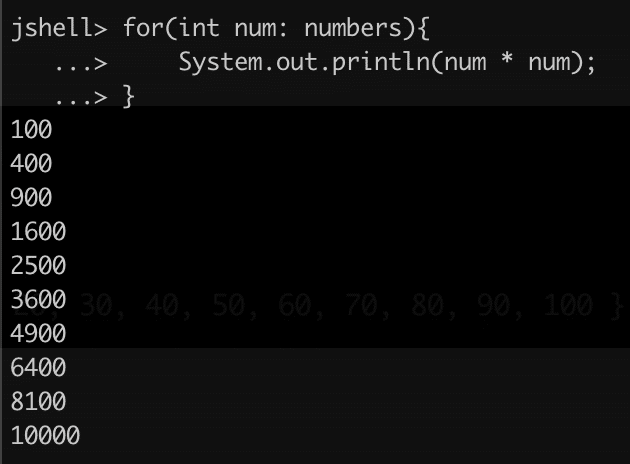
A simple for loop to print each number from the array squared.

				
					for(int num: numbers) {
	System.out.println(num * num);
}


output
running a for loop in jshell example
Create a method

A simple method that accepts a number and returns its square value.

				
					int sqr(int x){
	return x * x;
}
				
			
output
create a method in jshell example
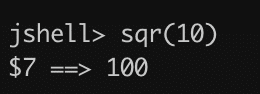
Let’s use it
				
					sqr(10)
				
			
output
invoking a method in jshell example
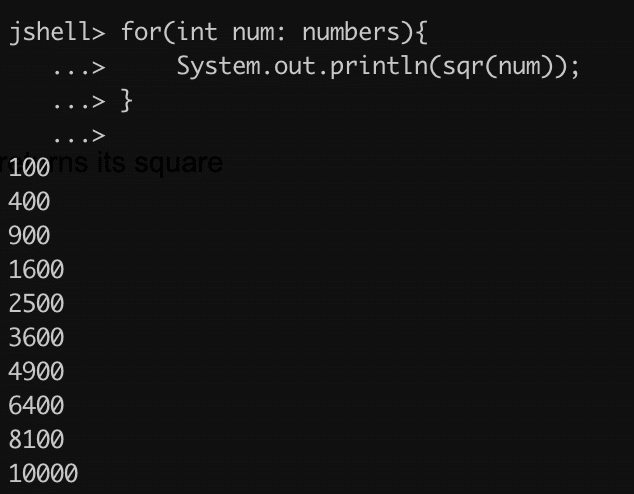
Now, let’s plug it in the for loop example above
				
					for(int num: numbers){
	System.out.println(sqr(num));
}


output
for loop in jshell example 2
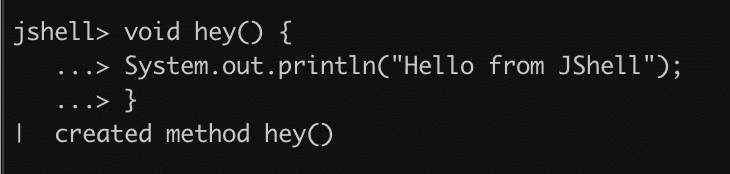
Let’s create a “hello world” style method
				
					void hey(){
	System.out.println(“Hello from jshell”);
}
				
			
output
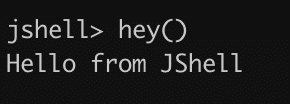
declare a method in jshell example 2
invoking a void method in jshell example
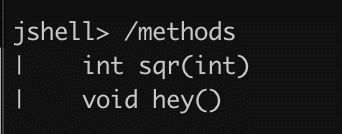
LIst of the methods declared
				
					/methods
				
			
list of all the methods in jshell example
LIst all the commands typed
				
					/history
				
			
To reset the state e.g. all the declared variables, methods, history:
				
					/reset
				
			
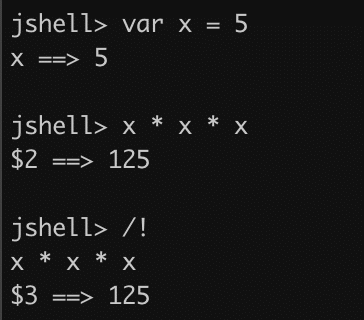
Rerunning the last executed command
				
					/!
				
			
output
rerunning the last command in jshell example
To see more commands try
				
					/help


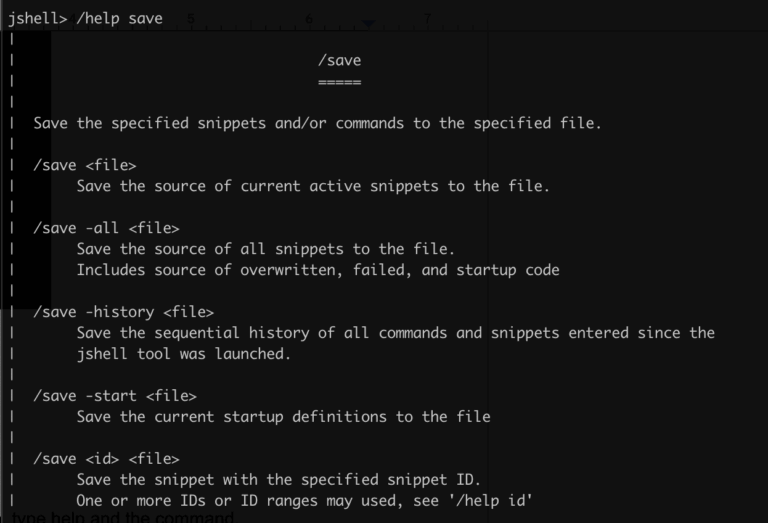
To see more information for each command option, type help and the command.

				
					/help save
				
			
output
using help on a command in jshell example

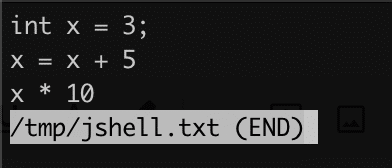
We can save the context in a local file, e.g. 

				
					 /save /tmp/jshell.txt
				
			
Show contents in a different terminal window or tab
				
					less /tmp/jshell.txt
				
			
output
saving context to a file in jshell example
Stopping jshell
				
					/exit


conclusion

In this post we saw how to use the jshell command line tool. It’s like a super calculator. We can create variables, methods, etc.

References:

https://docs.oracle.com/en/java/javase/24/jshell/introduction-jshell.html#GUID-465BA4F5-E77D-456F-BCB7-D826AC1E18AE

Share it!

Facebook
Twitter
LinkedIn
Reddit
Picture of Ellion

Ellion

Professional IT consultant, writer, programmer enthusiast interested in all sorts of coding.
Eats all cookies 🍪